Appearance
Oma Säästöpankki
Country: Finland
Business usage
For authorisation of access to account information of you company you will be redirected to the authentication web page provided by Samlink, the provider implementing Open Banking functionality for Oma Säästöpankki. You would need to enter the user ID, which you use when logging in to Netbank for your company. For the confirmation of authentication you would need to use OmaVahvistus mobile app.
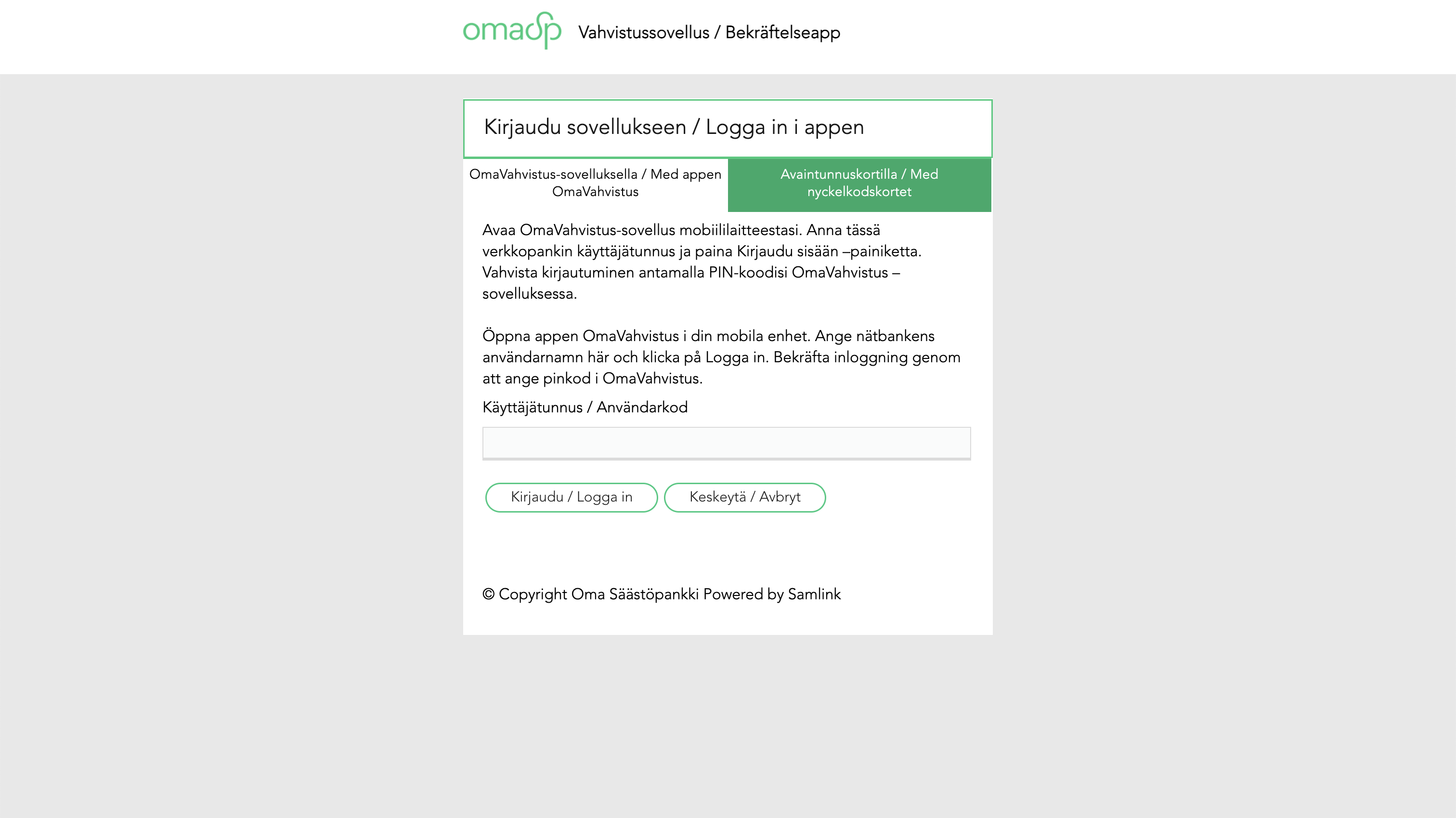
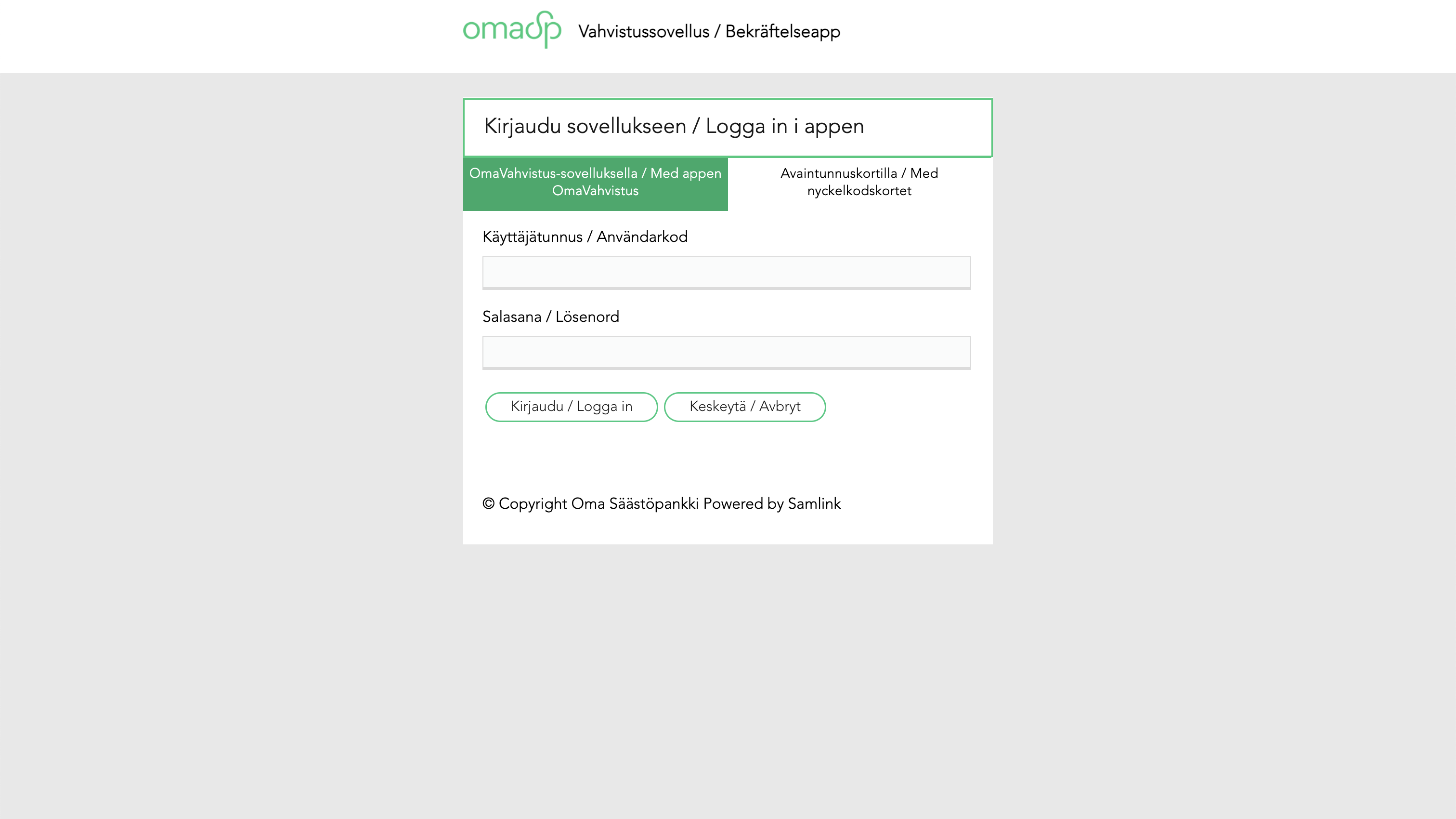
Alternatively to OmaVahvistus mobile application you can confirm authentication, using paper security codes (avaintunnuskorti). In this case you would also need to enter your password.
After authentication is done, you will be presented with the list of accounts and details of the requested scope of access.
Personal usage
The authentication and authorisation flow for the personal usage is the same as for the business usage.