Appearance
OP
Country: Finland
Business usage
In order to use this integration, please make sure that OP has enabled your business to use the services provided by an external service provider.
This can be done by contacting OP's customer service either by online message or by calling 0100 05151.
You need to do this for your business only once.
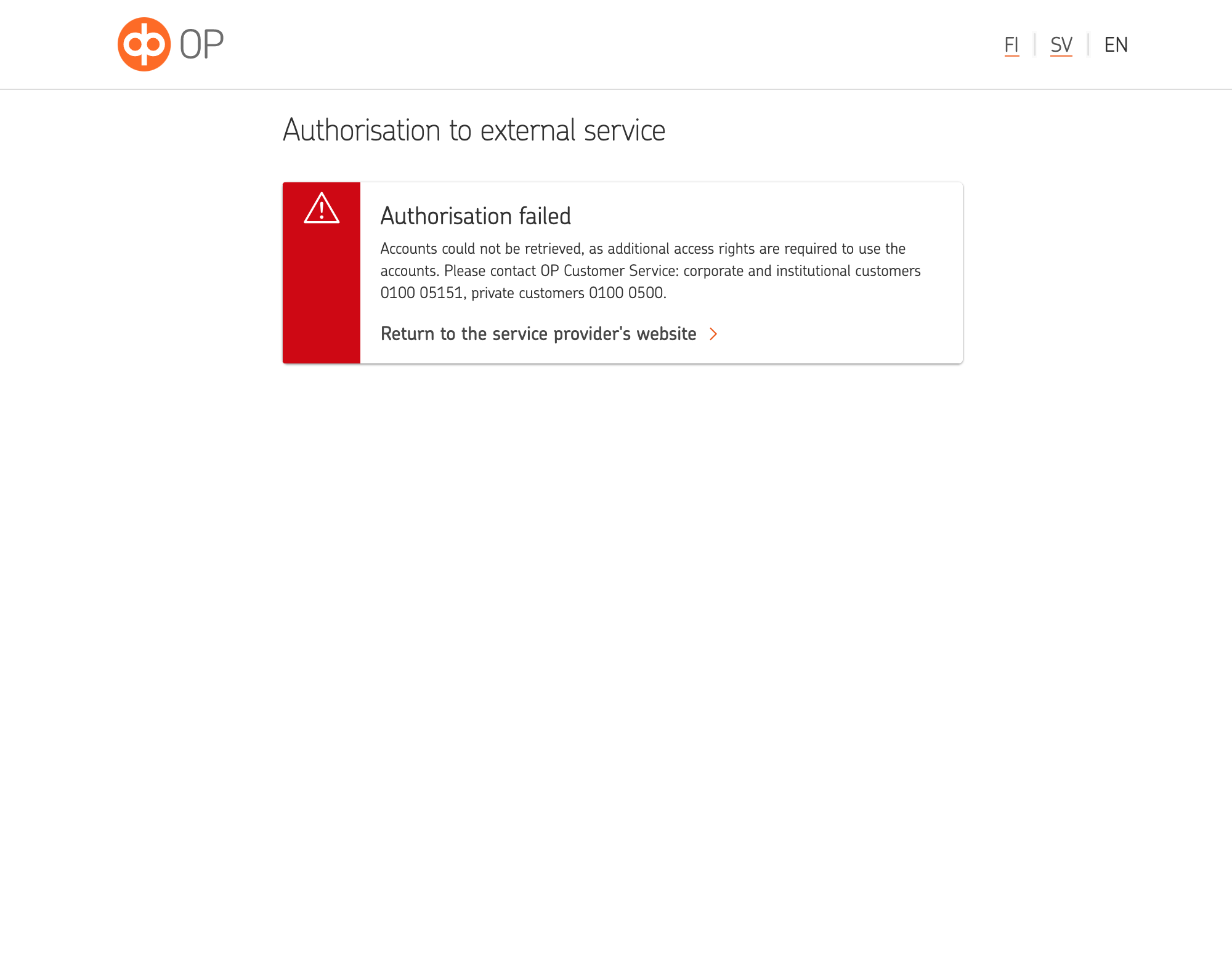
In case usage of external service providers is not enable for your company the following error message will occur once you try to authorise access to your accounts.
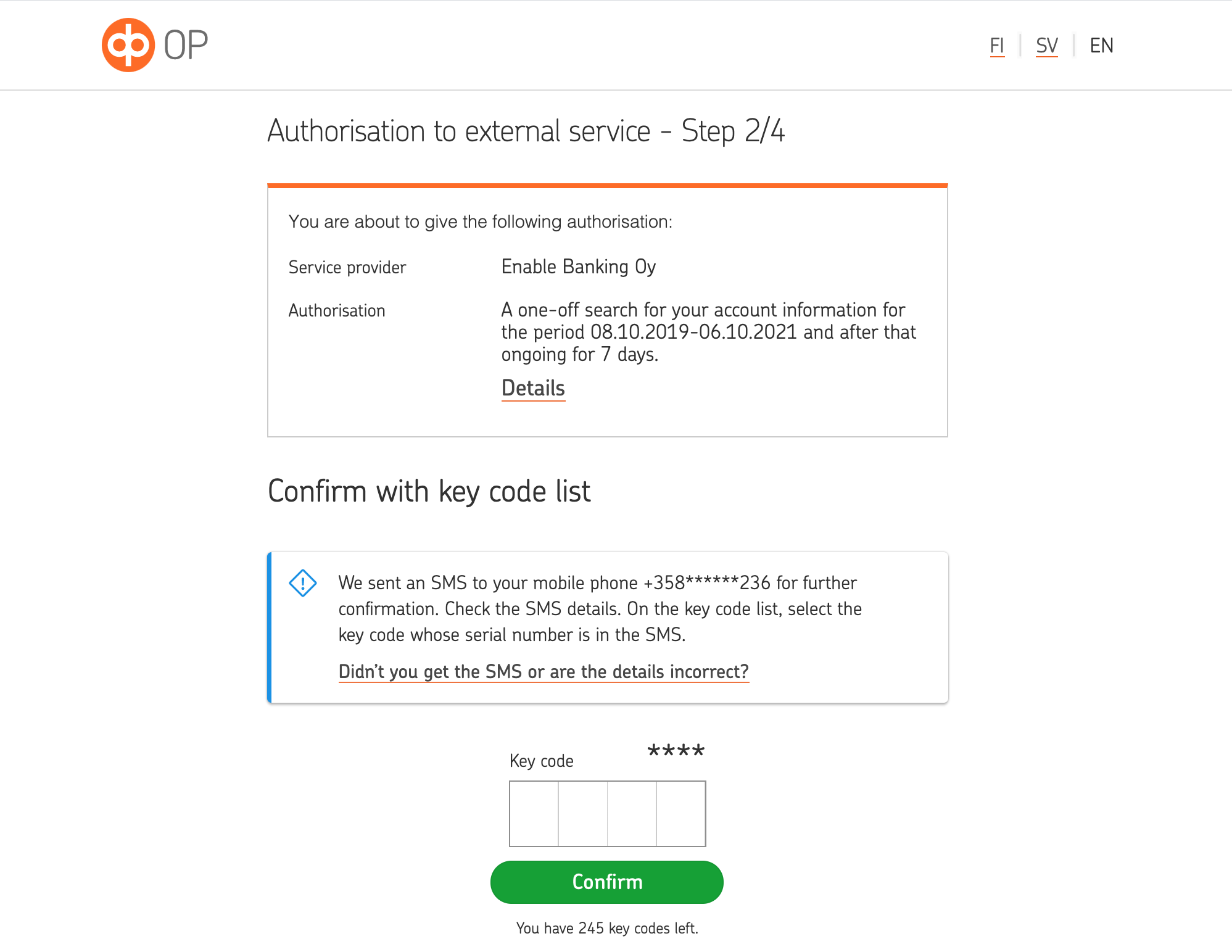
After use of external services has been enabled for your company, you may authorise an external service provide to access information about your business accounts on your behalf. In order to confirm authorisation of access you would need to use either OP's mobile key (the app) or key code list (the paper codes). When using the paper codes, additional verification via SMS will be requested.
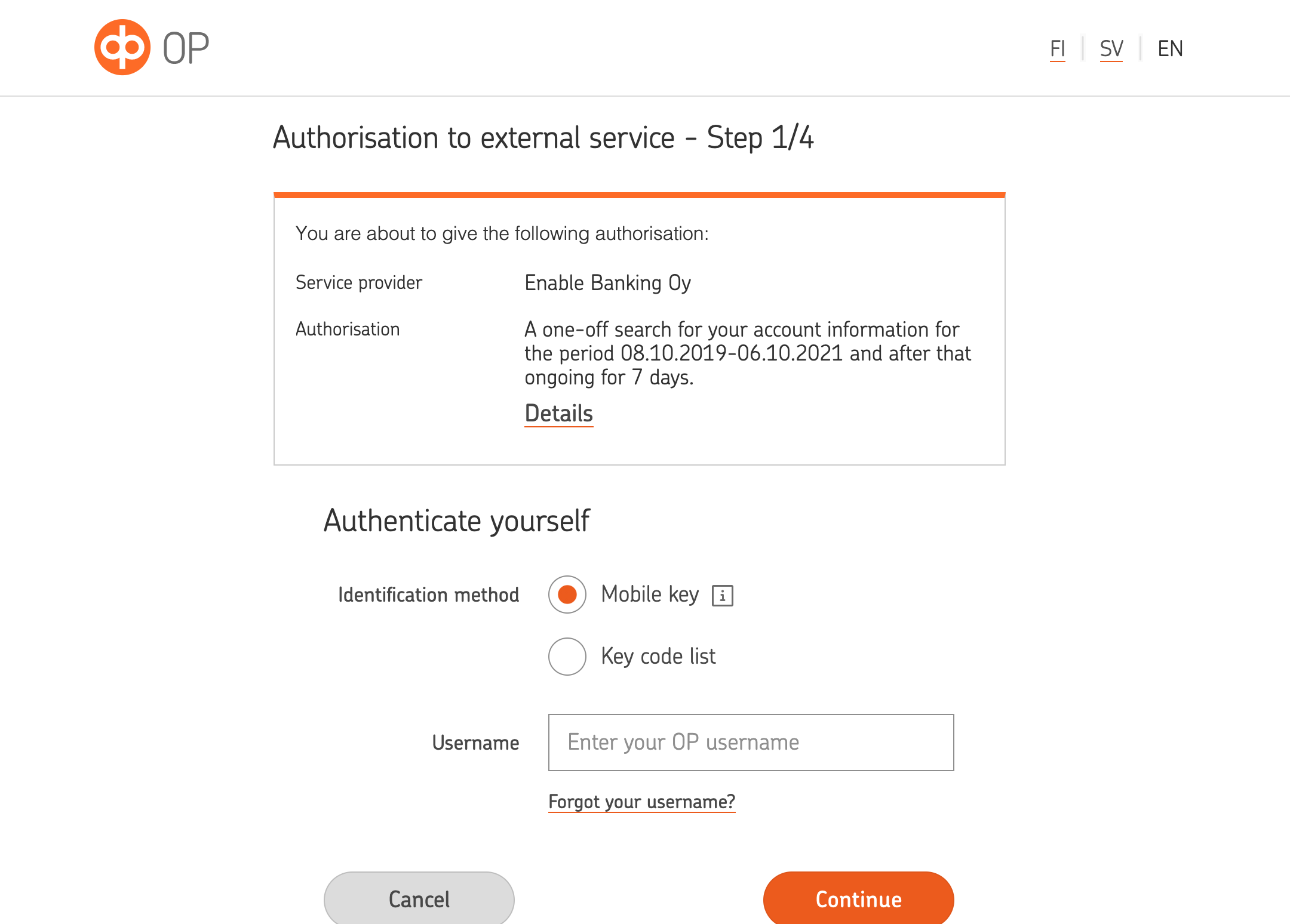
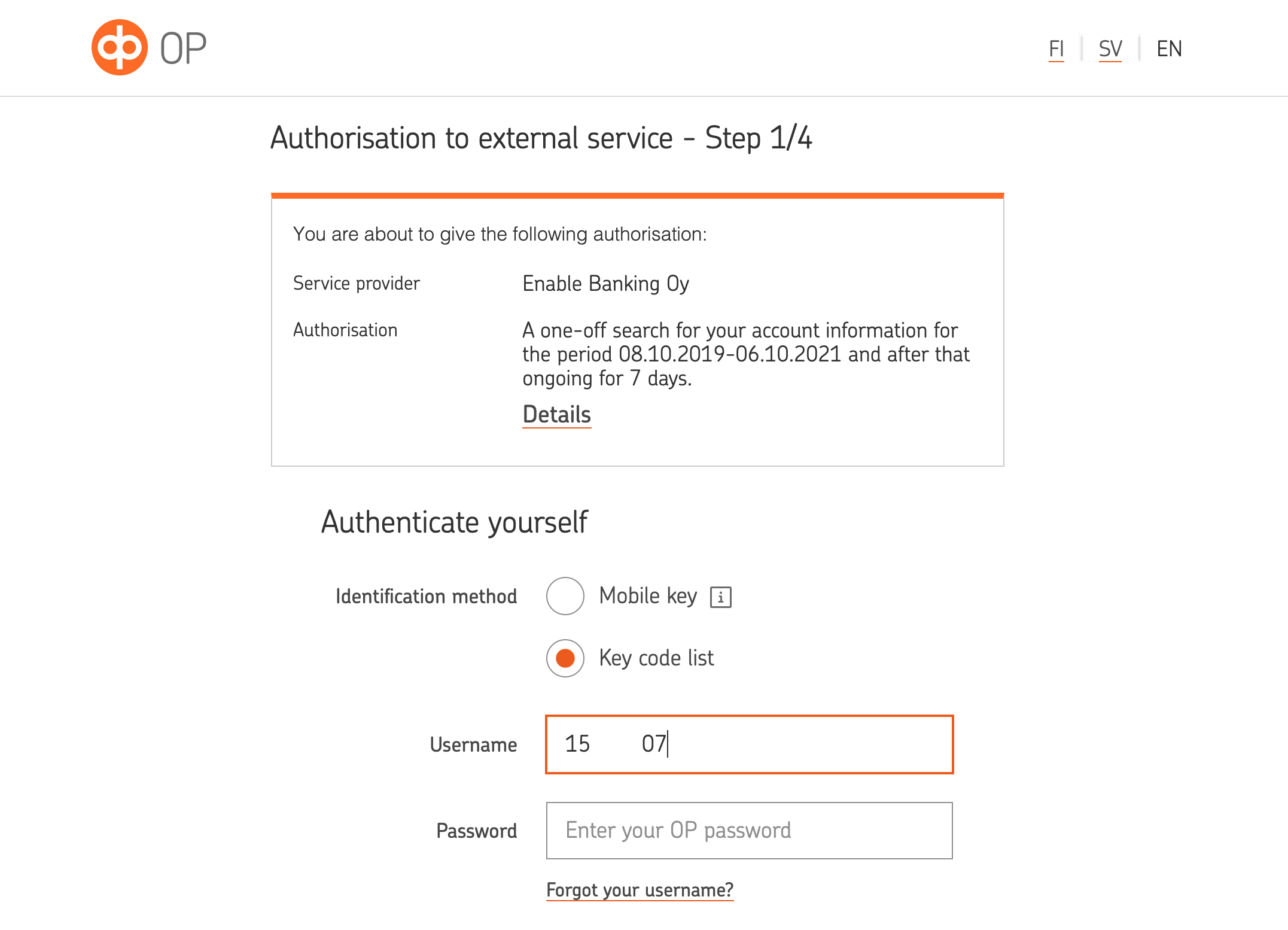
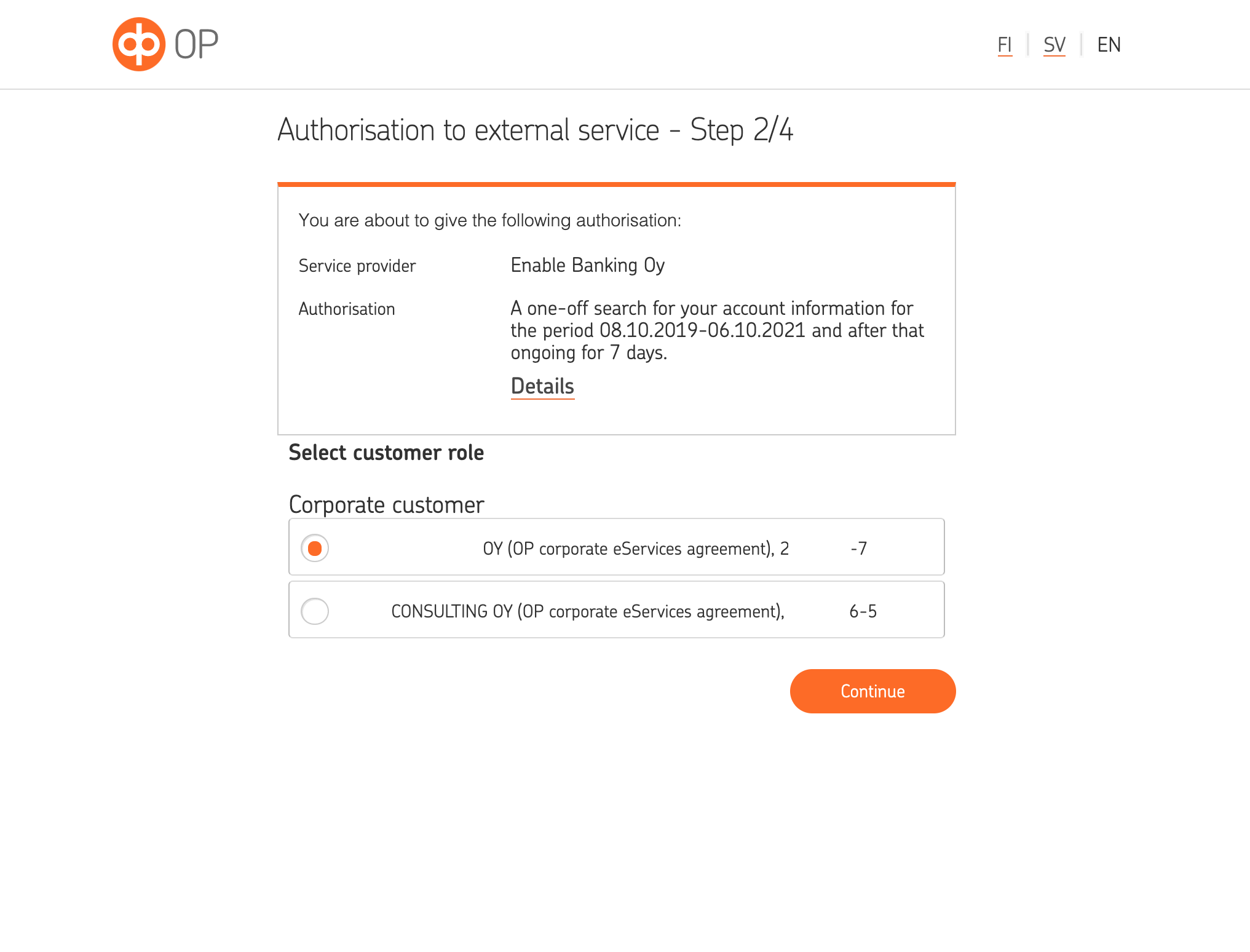
In case you have access to accounts of multiple companies, you will be asked to choose one of the companies. You may only authorise access to accounts of one company at time, you would need to make multple authorisations in case you wish to access data from accounts of multiple companies.
Personal usage
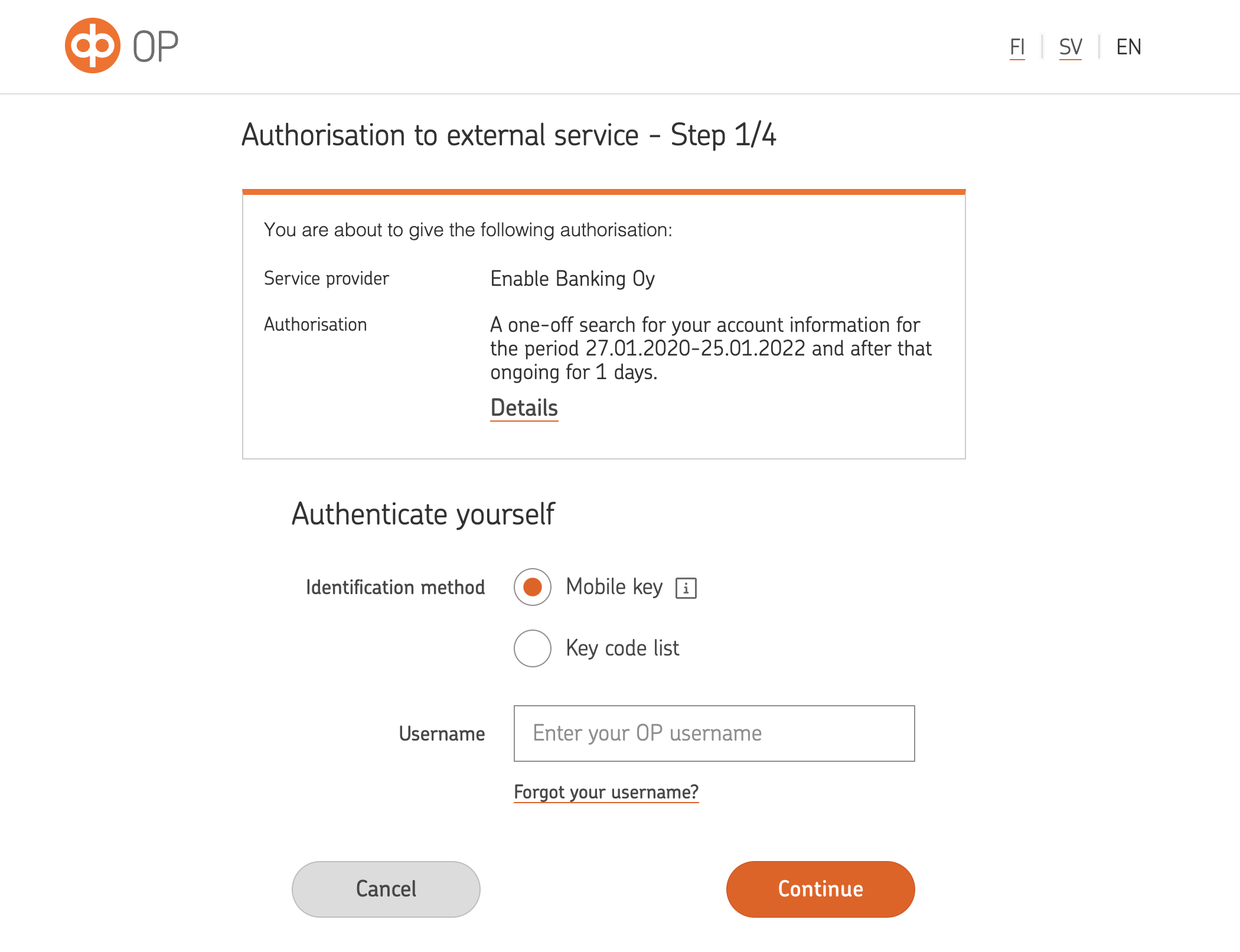
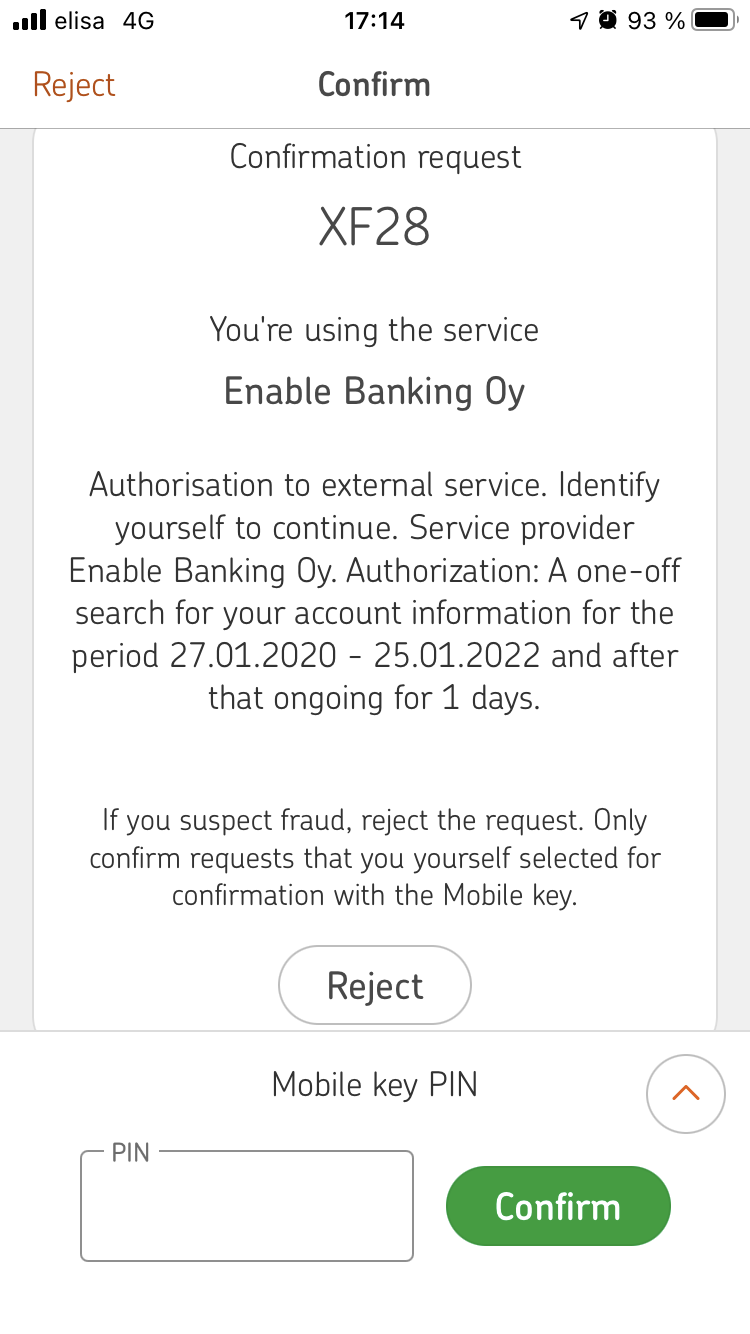
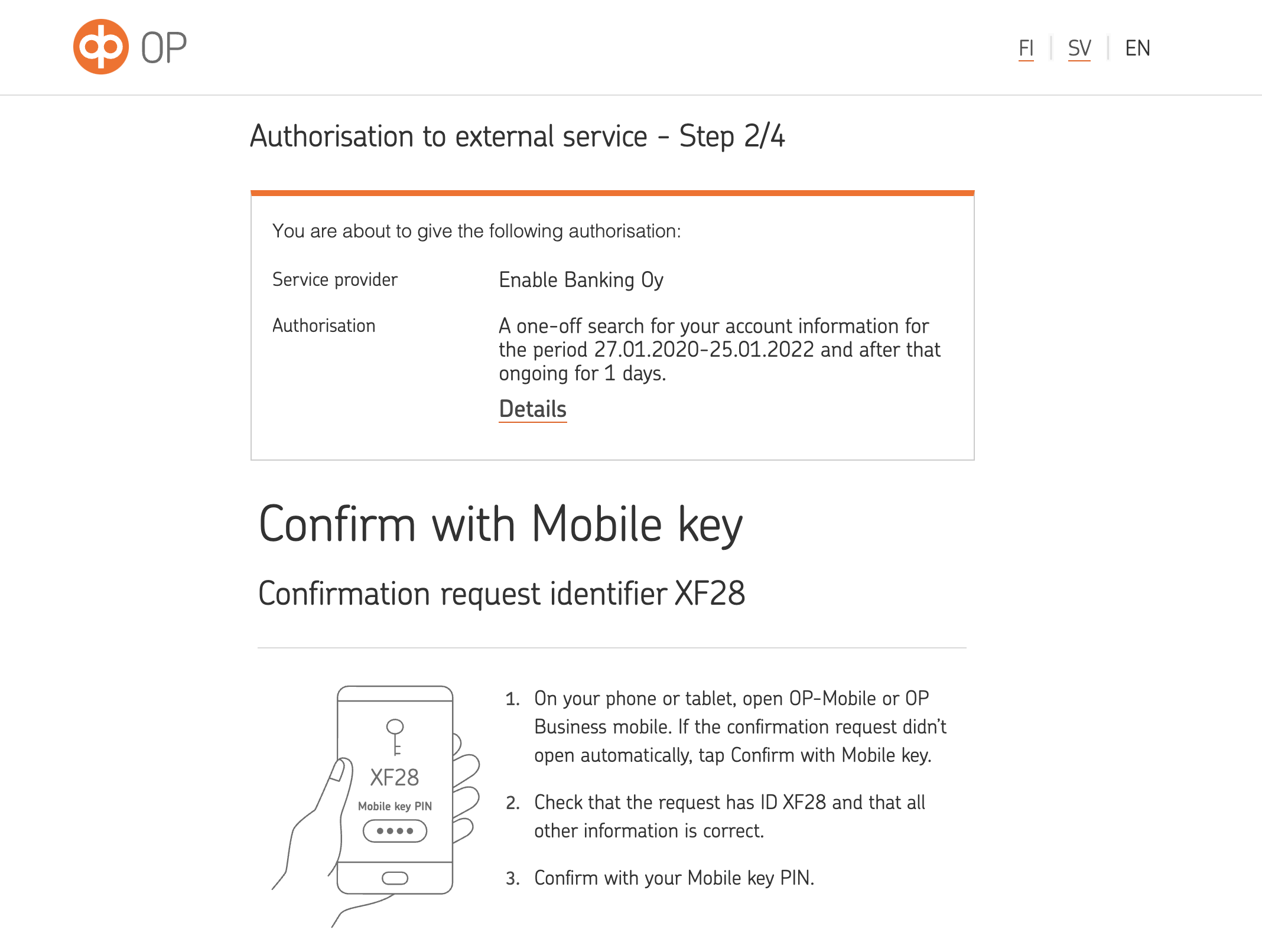
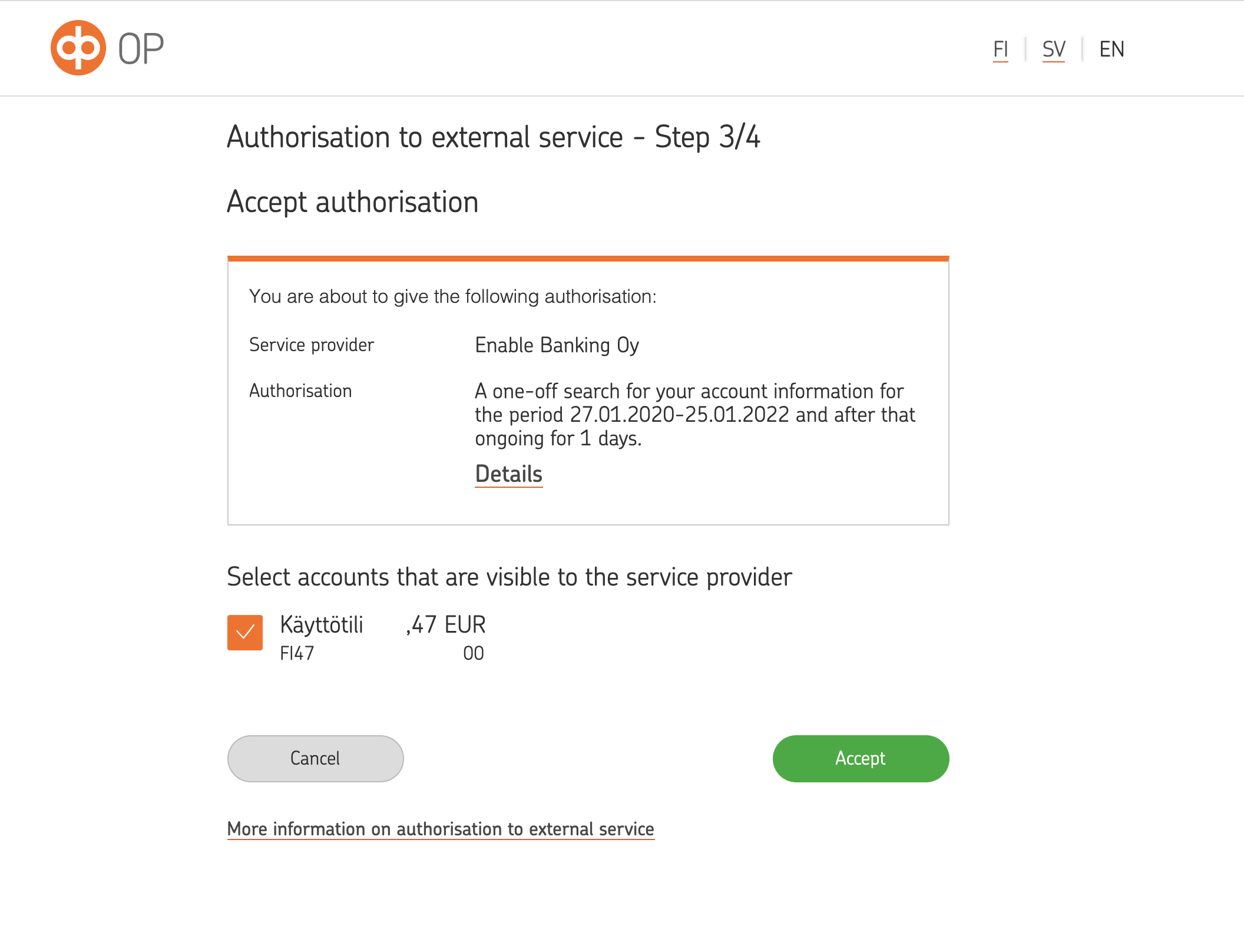
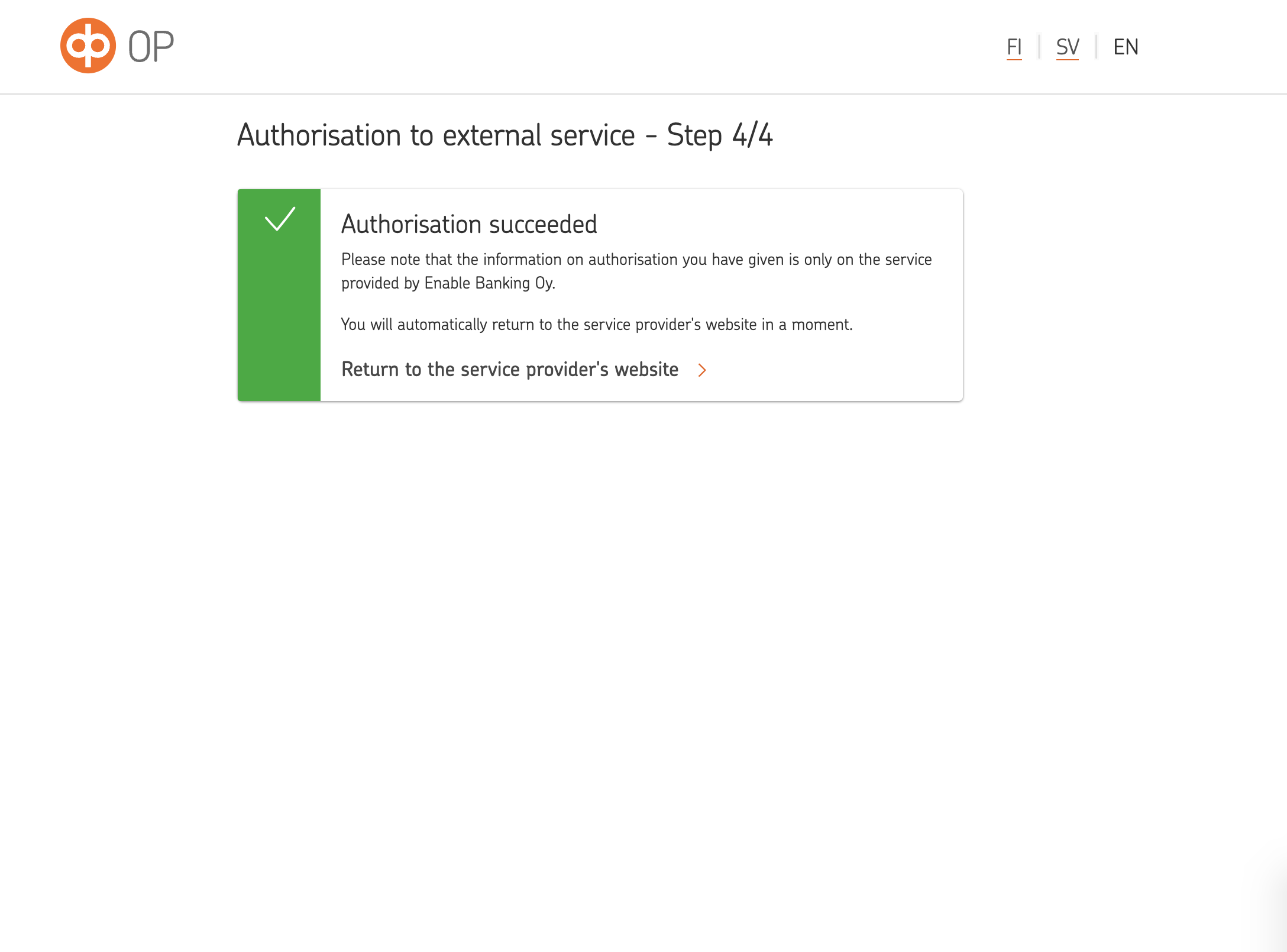
Authorisation of access to information on personal accounts does not require to contact OP, the authorisation process consists of the steps presented on the screenshots below (with confirmation using OP-mobile app).