Appearance
Nordea
Country: Finland
Business usage
This integration is intended for Nordea's business clients using Nordea Business.
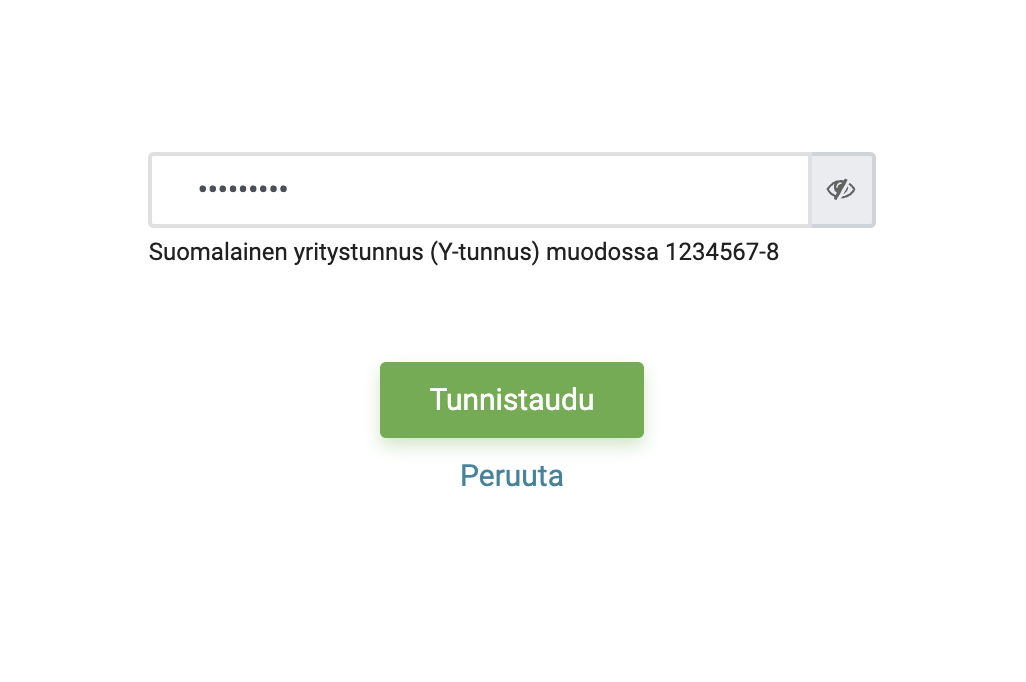
Before you are redirected to Nordea's website for authentication and authorisation of access, it is necessary to provide business ID (Y-tunnus) of your company.
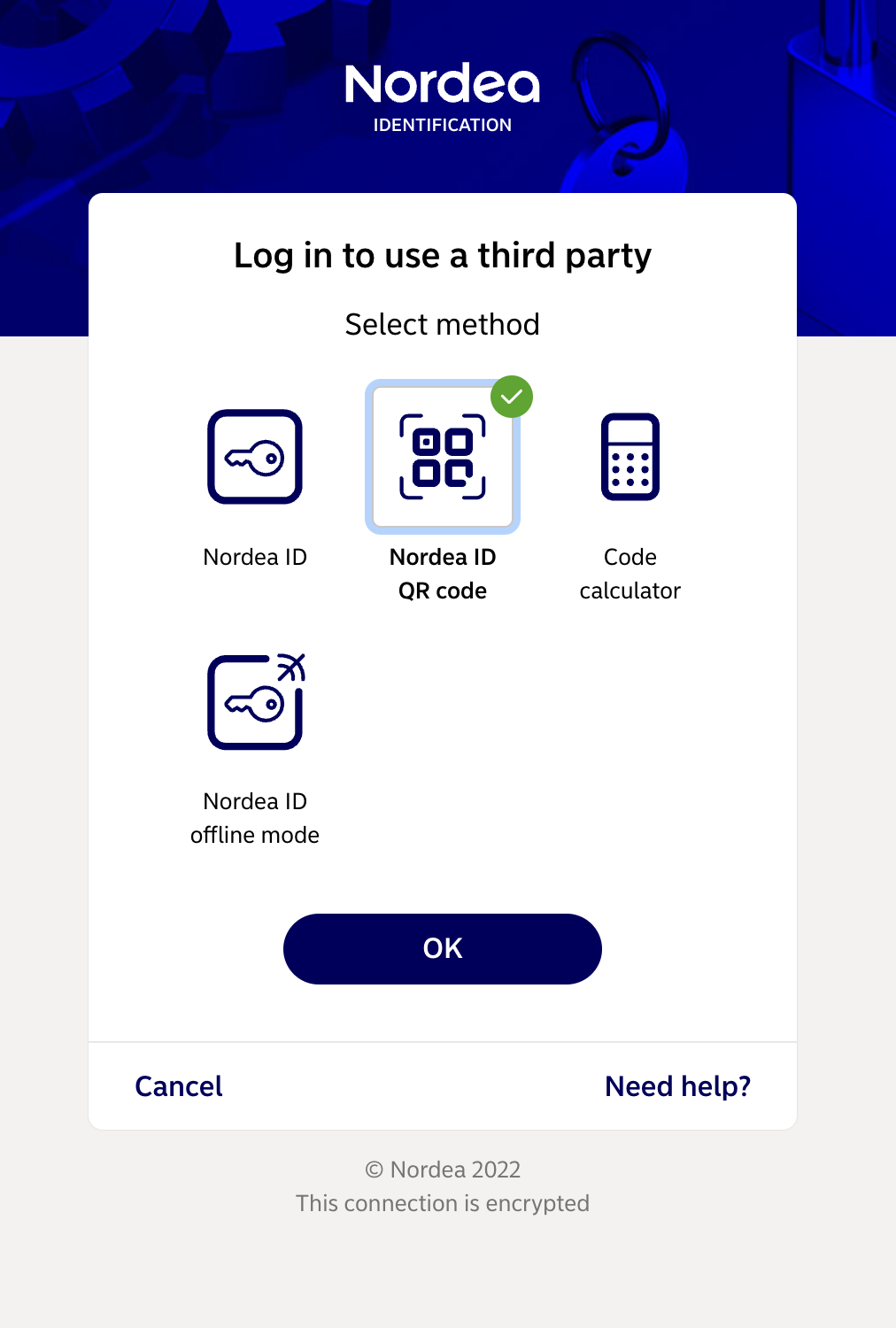
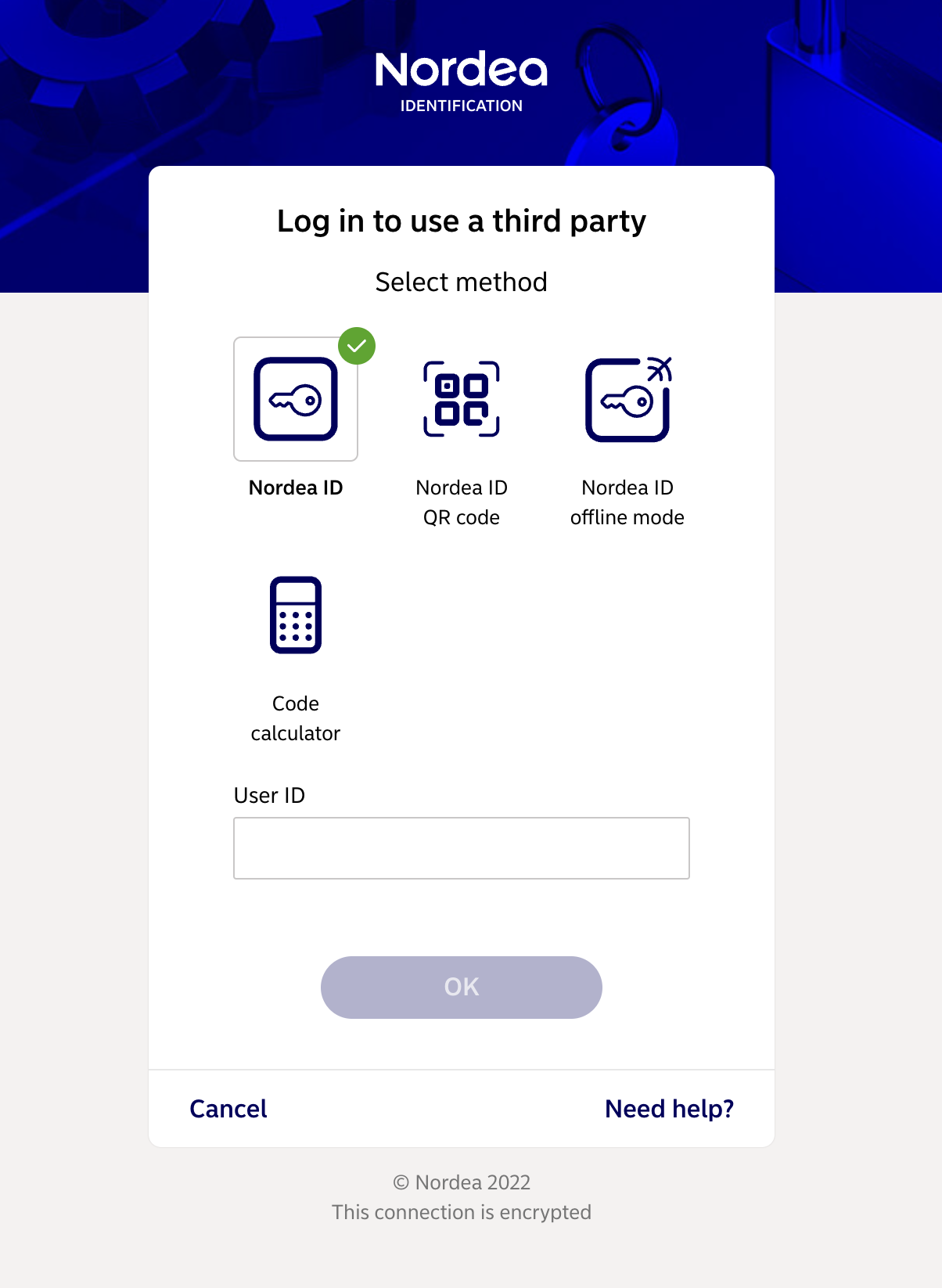
After redirection to Nordea's identification web page you will be asked to choose a desired authentication method and need to follow authorisation steps. It is recommened to use the same authentication method, which you use when accessing Nordea Business.
In case you were able to authenticate yourself but Nordea was not able to provide you access to accounts of the requested company, the following error message will be displayed.
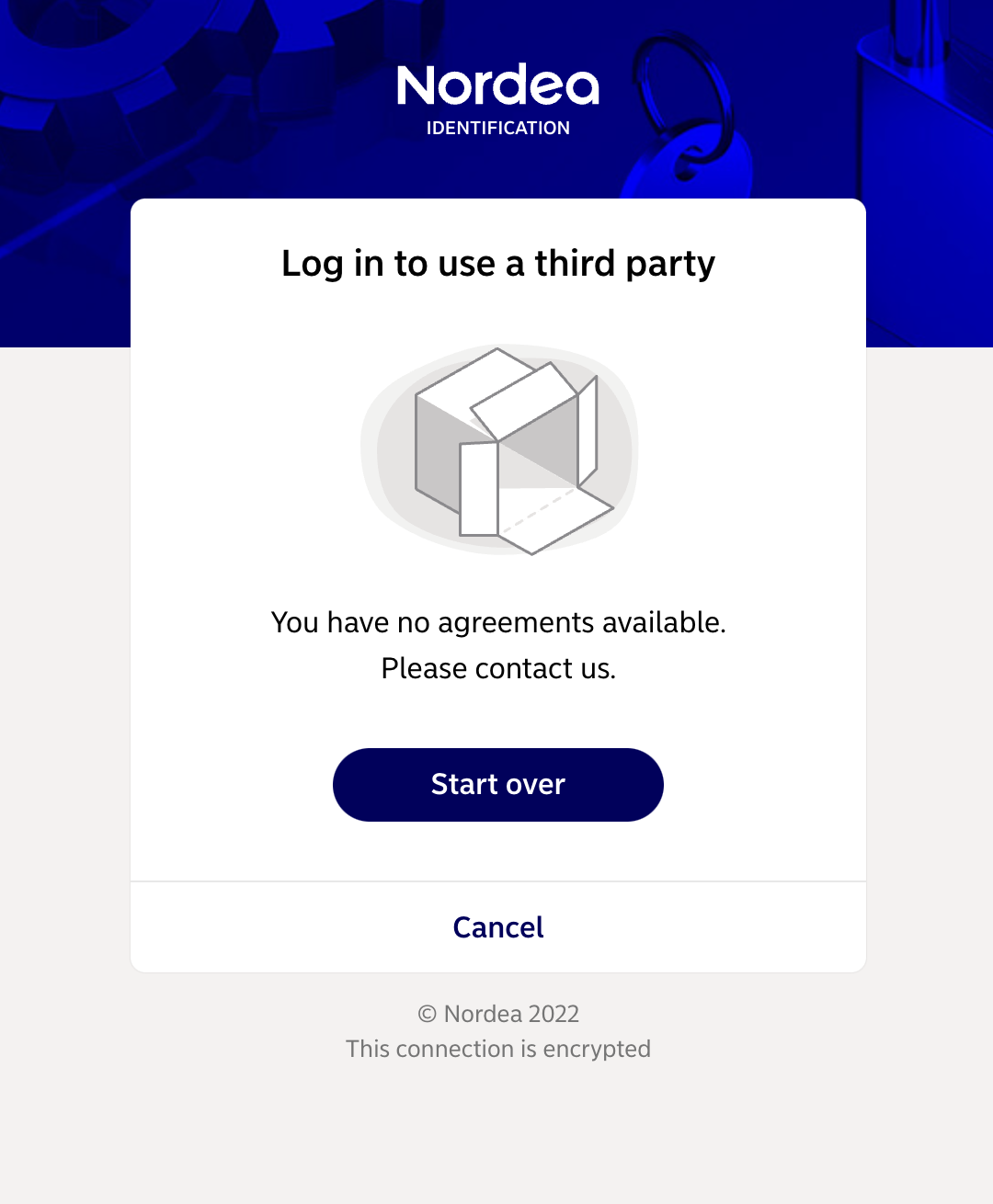
In this case please check that you have entered correct business ID and is able to access Nordea Business. You may need to contact Nordea customer service for further information.
Larger organisations may use Nordea Corporate Netbank. If this is the case for your company, you would need our Nordea Corporate integration. Information on how to use it can be found here.
For small companies business accounts can be accessible through personal online banking, in such case please follow the instruction below for personal usage.
Personal usage
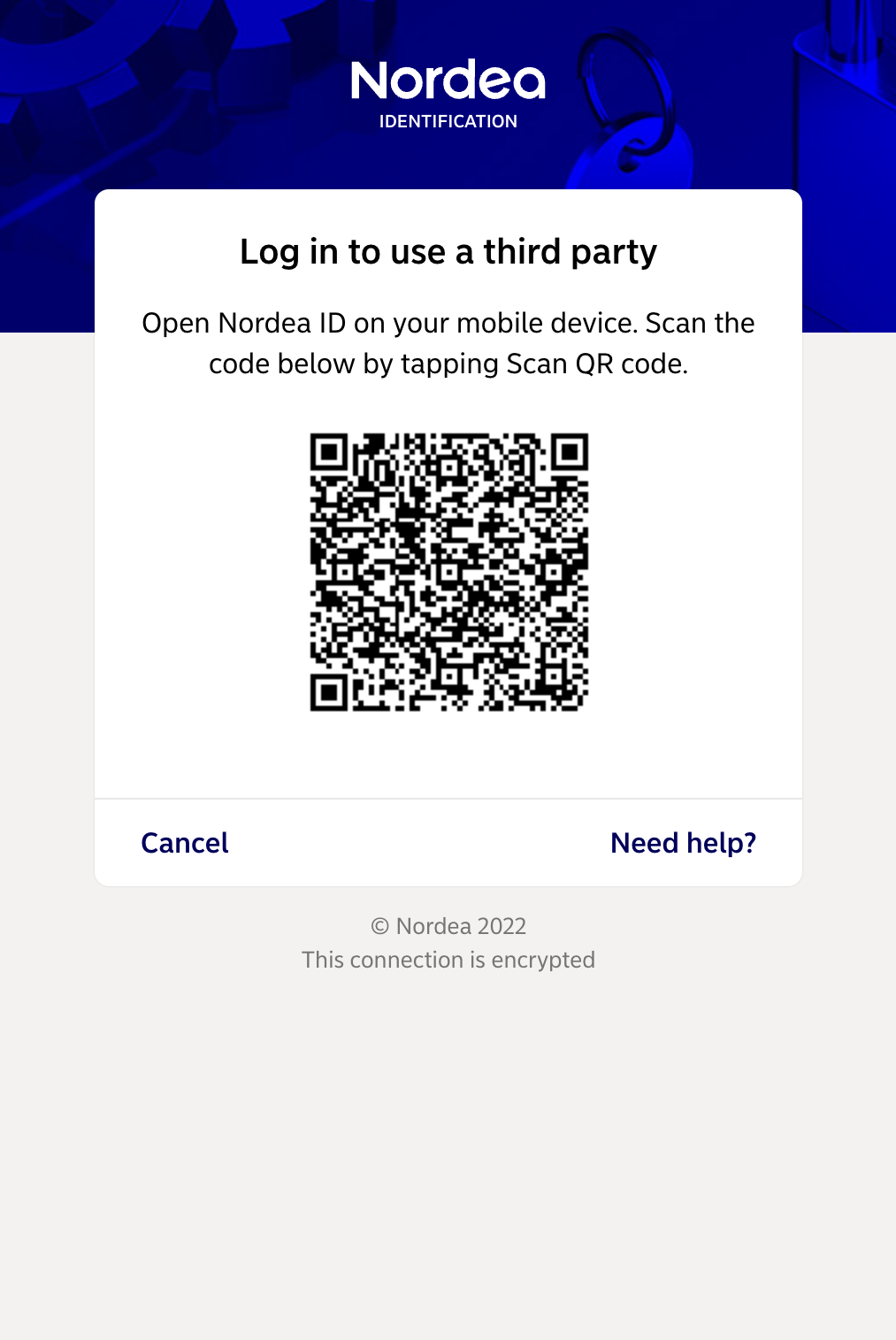
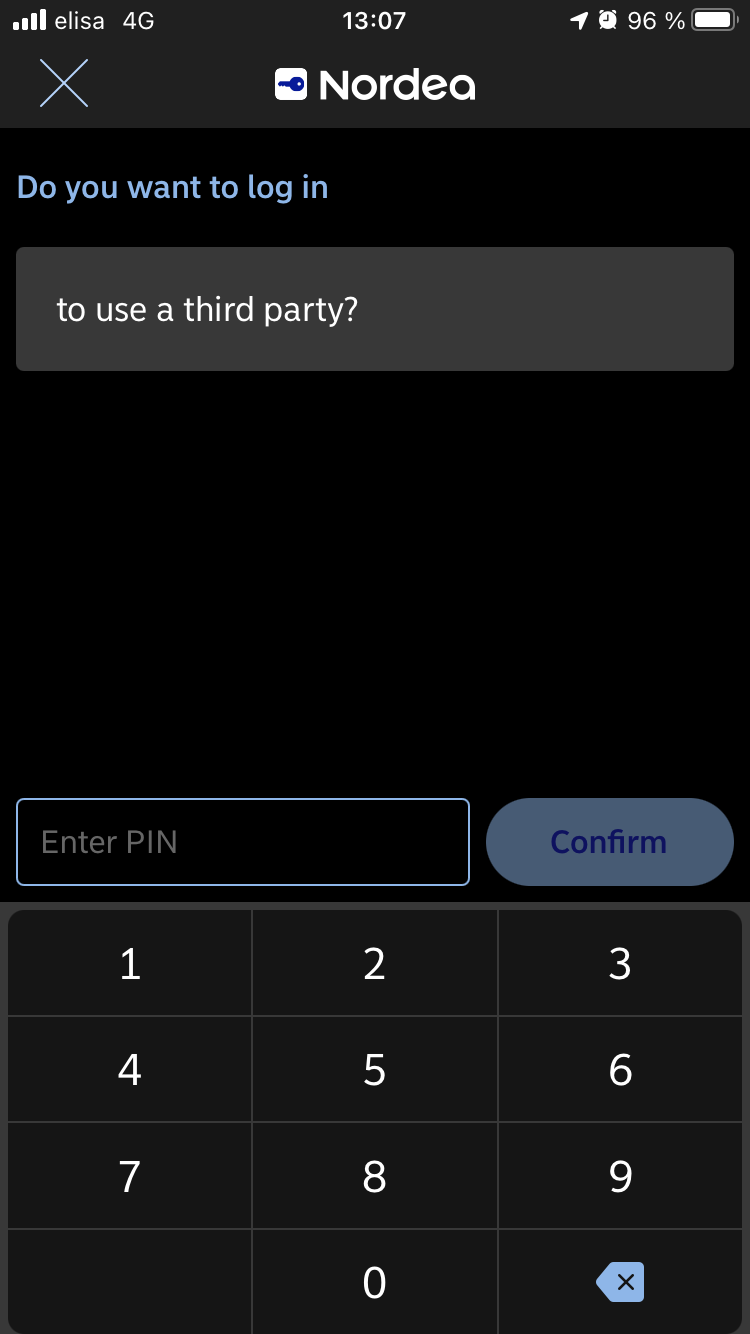
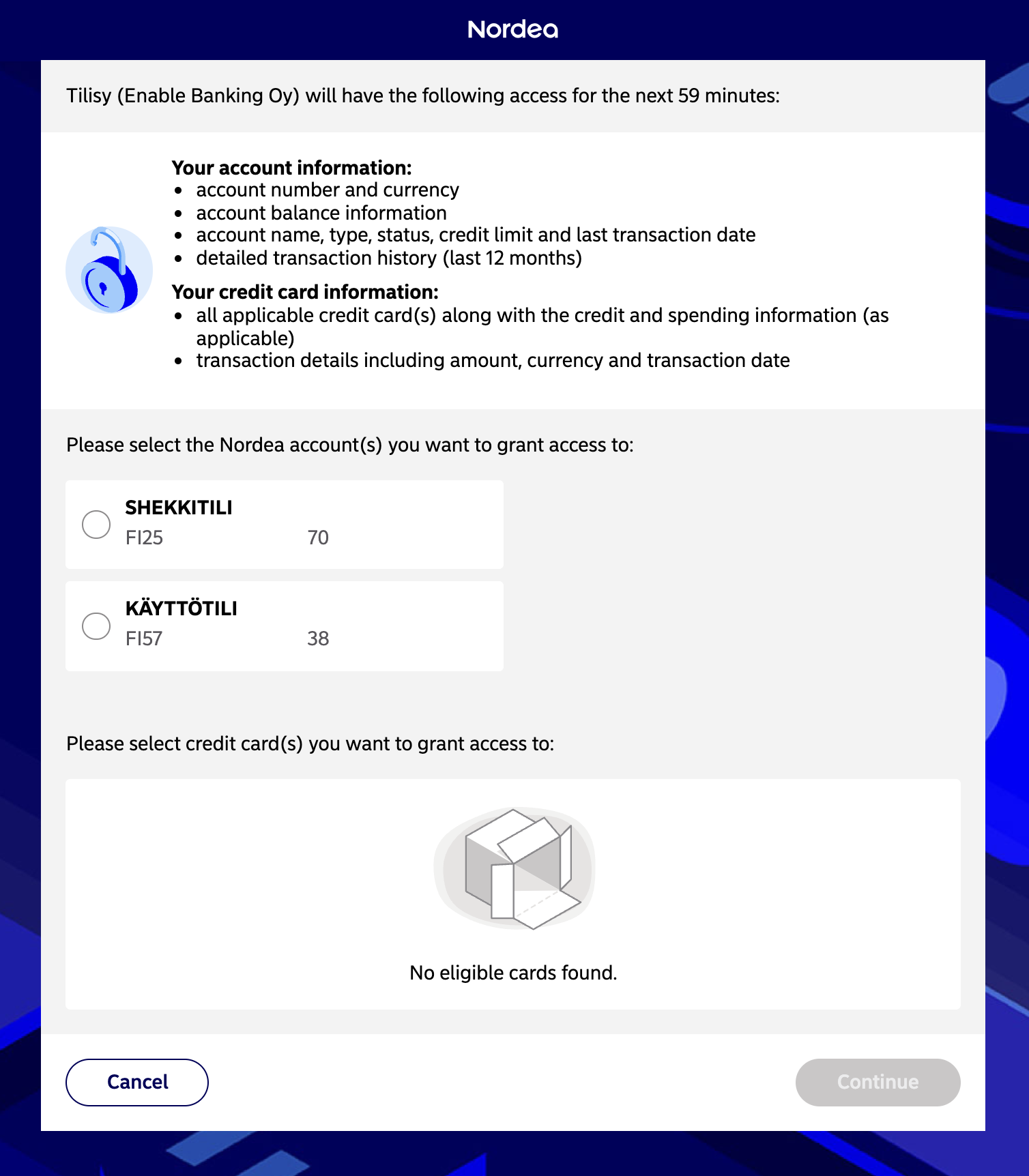
The following screenshots show authorisation process for access to account information, which uses Nordea ID mobile app for scanning QR code.